


A Google Business Profile is the free listing that shows your business on Google Maps and in local search results. For Riyadh businesses that serve customers in person or within the city, it is often the fastest way to get calls and WhatsApp messages from Google. This guide covers how to create, verify and rank a Google Business Profile, step by step.
How do you create a Google Business Profile for a Riyadh business?
To create a Google Business Profile, go to google.com/business, sign in with a Google account, enter your business name and category, add your Riyadh address or service area, phone and website, then verify the profile by the method Google offers (video, phone, SMS, email or postcard). Once verified, complete every field, add real photos, set your Sunday-to-Thursday hours and start collecting reviews, because Google ranks local results by relevance, distance and prominence.

Step by step: Google Business Profile create and verify
- Sign in: use a Google account owned by the business, not a staff member’s personal account.
- Add the business name: use your real trading name exactly as on your signage and Commercial Registration. Adding keywords to the name breaks Google’s guidelines.
- Choose the primary category: pick the closest match, such as “Dental clinic” or “Website designer”. You can add secondary categories later.
- Add location or service area: add your Riyadh address if customers visit you; if you visit customers, set a service area and hide the address.
- Add phone and website: use a number that answers during your opening hours, and link to the most relevant page of your site.
- Verify: Google chooses the method. Video verification is common now; follow the on-screen steps and show your signage, premises and proof of business.
Google can take several days to review a verification. Do not create a second profile while you wait, because duplicates can lead to suspension.
How do you verify a Google Business Profile?
Google decides which verification methods your Google Business Profile can use, based on your category, location and history. The options include a video recording, a live video call, phone or SMS, email and, in some cases, a postcard. For video, record one continuous clip showing your street and nearby landmarks, your signage, the inside of your premises and proof you manage the business, such as tools, stock or a document with your business name.
Google Business Profile optimization checklist
A complete Google Business Profile earns more trust and more clicks. Use this Google Business Profile optimization checklist after verification:
Categories and services
One accurate primary category, a few secondary categories, and every service listed with a short description.
Hours and contact
Sunday-to-Thursday hours, special hours for Ramadan and Eid, a phone number that answers and a WhatsApp chat link where available.
Photos and video
Real photos of the outside, inside, team and work. Update them every month; avoid stock images.
Description in two languages
A clear description of what you do and the areas you serve. Add the Arabic name and description where the profile allows it.
Reviews and replies
Ask every happy customer for a review and reply to every review, positive or negative, in the language it was written in.
Posts and products
Share offers, news and events with Google posts, and add products or services with prices where you publish them.
Want us to set up and optimise your Google Business Profile?
Book a free 30-minute call with our Riyadh team. We reply within 24 hours, Sunday to Thursday, and send a written, fixed quote before any work starts.
How does Google rank Google Business Profiles in Riyadh?
Google says local results are based mainly on relevance, distance and prominence. Relevance is how well your Google Business Profile matches the search; distance is how far you are from the searcher or the area in the search; prominence is how well known and trusted your business is, including reviews and links from around the web.
You cannot change distance, but you can improve relevance with the right categories and services, and prominence with steady reviews, accurate details across the web and a strong website. A service page for each main service on your site also helps Google connect your profile to more searches.
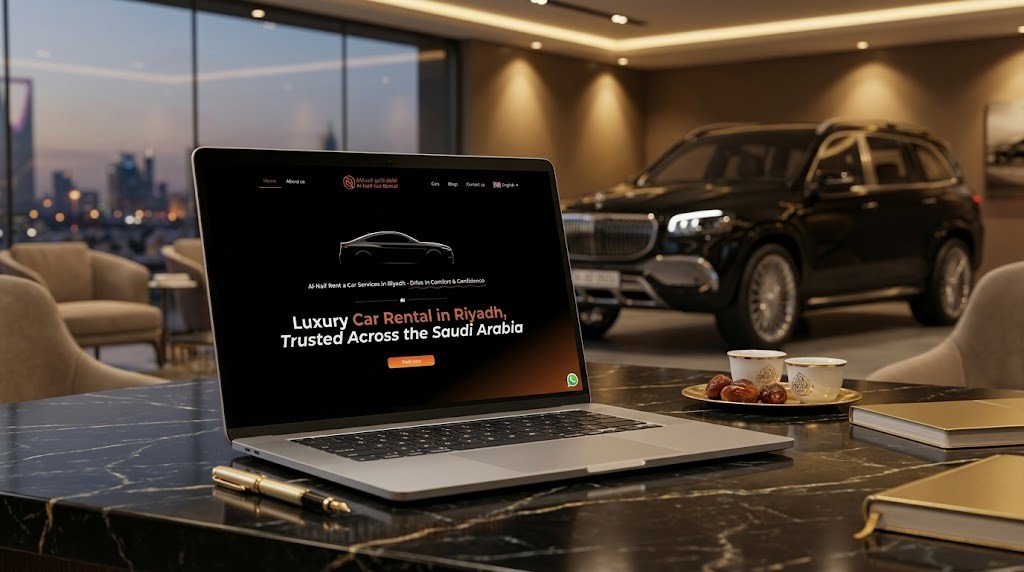
For Al-Naif Car Rental in Riyadh, local SEO and a clear WhatsApp path were part of the website plan from the start, so the website and the Maps listing work together.
Common Google Business Profile problems and fixes
- Profile suspended: usually caused by keywords in the name, a virtual office address or duplicates. Fix the cause, then request reinstatement through Google’s support form.
- Can’t get access: if someone else owns the listing, request ownership from the profile; Google contacts the current owner and gives them time to respond.
- Wrong pin on the map: edit the address and drag the pin to the right building.
- QR code for reviews: in your profile, use “Ask for reviews” to copy a short link and turn it into a QR code for receipts and the counter.
A Google Business Profile is free, so beware of anyone selling a “Google Maps listing”. Paying for help with setup and optimisation is fine; paying for Google itself is not needed. Our SEO services in Saudi Arabia include local SEO and profile management, and our SEO company in Riyadh page explains how we work. Also read our 15 SEO tips for Saudi businesses.
Frequently asked questions about Google Business Profile
Is Google Business Profile free?
Yes, a Google Business Profile is free to create and manage. Google does not charge for the listing, the reviews or the posts. You only pay if you choose to run Google Ads or hire someone to manage the profile for you.
How long does Google Business Profile verification take?
Google Business Profile verification usually takes from a few minutes to several days, depending on the method Google offers. Video verifications are reviewed by Google and can take a few business days. Avoid editing key details while the review is in progress.
Why was my Google Business Profile suspended?
A Google Business Profile is usually suspended for breaking Google’s guidelines, for example keywords in the business name, a virtual or shared office address, or duplicate listings. Fix the problem, then submit a reinstatement request with proof such as your Commercial Registration and photos of your premises.
Can I have a Google Business Profile without an address?
Yes, a service-area business can have a Google Business Profile without showing its address. You still verify with a real address, then hide it and set the cities or districts you serve, such as Riyadh. This suits cleaners, contractors and mobile services.
How do I get more Google reviews in Riyadh?
To get more Google reviews in Riyadh, ask every happy customer right after the service, send your review link on WhatsApp, and show a QR code at your counter. Reply to every review. Never buy reviews or offer rewards for them, because Google removes them and may suspend the profile.
Want more calls from Google Maps?
We will check your Google Business Profile and website, then send a written plan and a fixed quote after a free call. Our Riyadh team works Sunday to Thursday and replies within 24 hours. Prefer to call? +966 56 161 8473.
Written by MTR Marketing Agency, Riyadh. Last reviewed: November 2026. Sources: Google Business Profile Help (create, verify, ranking factors).
