

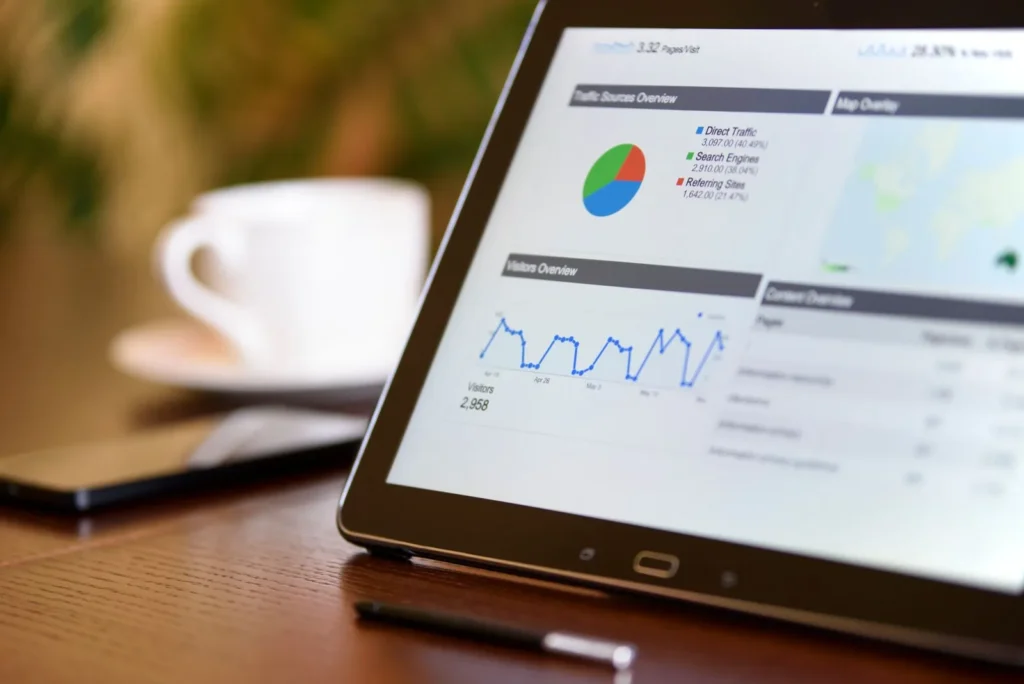
This is a plain-English Google Ads tutorial for beginners in Saudi Arabia. It shows how to use Google Ads for your business step by step, from creating the account to tracking calls and WhatsApp leads, with the settings we check first on every Saudi account.
How do you use Google Ads for your business in Saudi Arabia?
To use Google Ads for your business in Saudi Arabia, create an account at ads.google.com, set up conversion tracking for calls, WhatsApp clicks, forms and purchases, then start a Search campaign with Arabic and English keywords for the cities you serve, a daily budget and ads that send people to a relevant landing page. Review the search terms every week, add negative keywords, and only add Performance Max, Shopping or YouTube once Search is bringing leads at a cost you can afford.

Step 1: How do you set up a Google Ads account?
The first part of how to use Google Ads is the account itself. Go to ads.google.com, sign in with a Google account the business owns, and switch to Expert mode so you can see every setting. Set the billing country to Saudi Arabia, the time zone to Riyadh and the currency you will pay in; the time zone and currency cannot be changed later. Add a payment method and link Google Analytics 4 and Google Search Console.
If an agency runs your ads, ask them to send a manager-account invitation to your own Google Ads account rather than creating the account for you. That way the history and data always stay with your business.
Step 2: How do you track leads and sales from Google Ads?
Knowing how to use Google Ads well means tracking first. Conversion tracking tells Google which clicks became customers, so smart bidding can find more of them. Track the actions that bring money: phone calls from ads, calls from your website, WhatsApp button clicks, form submissions and online purchases. Use the Google tag or Google Tag Manager, and import GA4 key events where useful.
Without tracking, even someone who knows how to use Google Ads gets poor results, because Google optimises for clicks, which are cheap but often useless. This is the most common mistake we see when we audit Saudi accounts.
Step 3: Which Google Ads campaign type should you start with?
Search
Text ads on Google results when people search. Best first campaign for services, clinics, contractors and B2B, because it catches people who are already looking.
Performance Max
One campaign across Search, YouTube, Display, Gmail, Maps and Discover, driven by your conversion data. Add it once tracking works and you have steady conversions.
Shopping
Product ads with image and price, run through Google Merchant Center. Best for online stores on Salla, Zid, WooCommerce or Shopify.
YouTube and Demand Gen
Video and image ads for reach and remarketing. Good for awareness and retargeting, less direct for leads.
Step 4: How do you choose keywords in Arabic and English?
To learn how to use Google Ads keywords well in KSA, build separate keyword lists for Arabic and English, because Saudi buyers search both ways. Use the Keyword Planner in Google Ads to check search volume, and group keywords by service, such as “dental implants Riyadh” in one ad group and “teeth whitening” in another.
Google Ads offers three match types: broad, phrase and exact. Start with phrase and exact match for tight control, then test broad match with smart bidding once you have conversion data. Add negative keywords such as “jobs”, “free” or “course” to stop wasted clicks.
Want us to audit your Google Ads account for free?
Book a free 30-minute call with our Riyadh team. We reply within 24 hours, Sunday to Thursday, and send a written, fixed quote before any work starts.
Step 5: How do you set up a Google Ads campaign the right way?
- Goal and conversions: choose leads or sales and select the conversions you set up in Step 2.
- Location: target the cities or radius you serve, such as Riyadh, and choose “presence” so ads show to people in the area.
- Language: add Arabic and English so both kinds of searcher can see your ads.
- Schedule: run ads when you can answer the phone, and plan for the Sunday-to-Thursday week and later hours in Ramadan.
- Ads and assets: write responsive search ads in each language, and add sitelinks, call and location assets.
- Landing page: send each ad group to the page that matches the keyword, with a clear WhatsApp and call button.
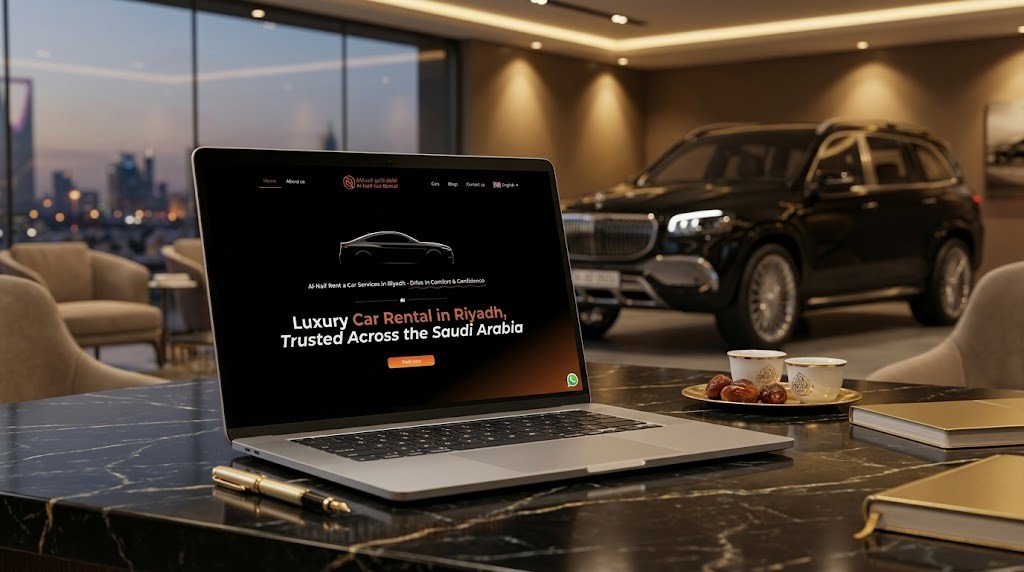
For a local business like Al-Naif Car Rental in Riyadh, the landing page and WhatsApp path matter as much as the ads, because that is where the booking enquiry happens.
Step 6: How do you improve Google Ads results each week?
The weekly habit is the part of how to use Google Ads that most beginners skip. Check the search terms report every week and add irrelevant searches as negative keywords. Pause keywords with high cost and no conversions, raise bids or budget on those with a good cost per lead, and test new ad headlines. Once a month, review results by city, device and time of day, and compare the cost per lead with what a customer is worth to you.
What are the most common Google Ads mistakes in Saudi Arabia?
- No conversion tracking: Google optimises for cheap clicks instead of customers.
- English only: missing the Arabic searches many buyers use.
- Whole-Kingdom targeting: paying for clicks from cities you do not serve.
- Sending all ads to the homepage: visitors cannot find what they searched for.
- Accepting every automatic recommendation: some raise spend without raising results.
If you would rather have a team run this, our Google Ads management service covers tracking, Arabic and English campaigns and weekly optimisation, and our advertising agency in Riyadh page explains how we plan budgets. More guides are on our marketing guides for Saudi businesses page.
Frequently asked questions about Google Ads
How do I set up a Google Ads campaign for the first time?
To set up a Google Ads campaign for the first time, create the account in Expert mode, set up conversion tracking, then build a Search campaign with your target cities, Arabic and English keywords, a daily budget and responsive search ads pointing to a matching landing page. Start small and review the search terms weekly.
When should a business use Google Ads?
A business should use Google Ads when people already search for what it sells, such as a service, product or local business, and when it can track and answer the leads. It also suits new businesses that need enquiries before SEO starts working. It suits less well products nobody searches for yet.
Can I run Google Ads for free?
You cannot run Google Ads for free; you pay for clicks or results, and the minimum spend is set by your own daily budget. Google sometimes offers promotional credit for new accounts, depending on the country and terms at the time. A free Google Business Profile is the no-cost alternative for local visibility.
How does Google Ads work for a business?
Google Ads works as an auction: when someone searches, Google chooses which ads to show based on bid, ad quality and expected impact, and you pay when someone clicks (or converts, depending on bidding). Better ads and landing pages can lower the price you pay.
Should I use Google Ads or Meta ads?
Use Google Ads when buyers search for your product or service, and Meta ads when you need to show your offer to people who are not searching yet. Many Saudi businesses use both: Google to capture demand and Meta, TikTok or Snapchat to create it.
Want Google Ads that bring calls, not just clicks?
We will audit your account or plan your first campaign, then send a written plan and a fixed quote after a free call. Our Riyadh team works Sunday to Thursday and replies within 24 hours. Prefer to call? +966 56 161 8473.
Written by MTR Marketing Agency, Riyadh. Last reviewed: November 2026. Sources: Google Ads Help Centre (campaign types, keyword match types, conversion tracking).
